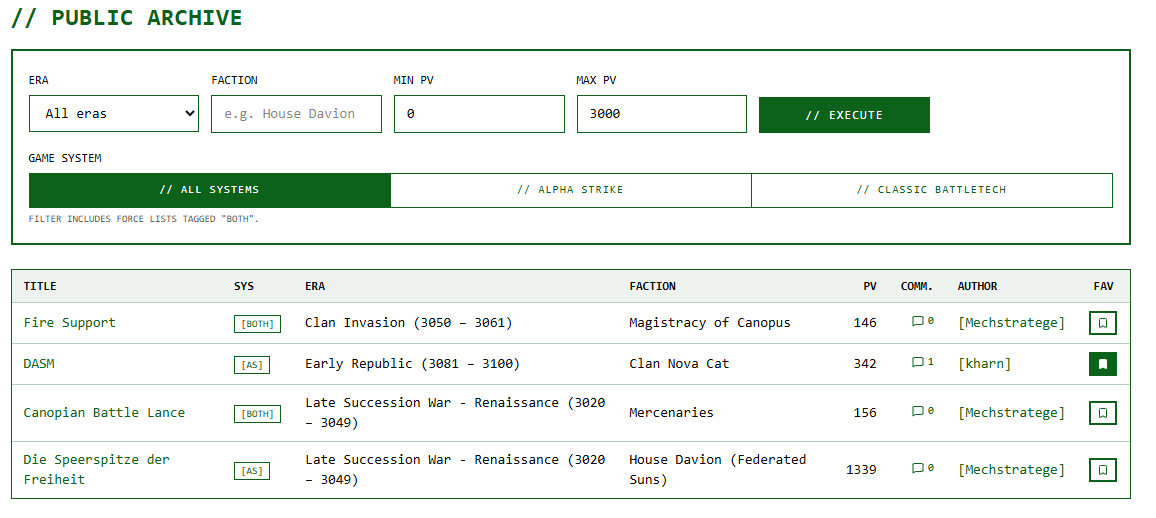
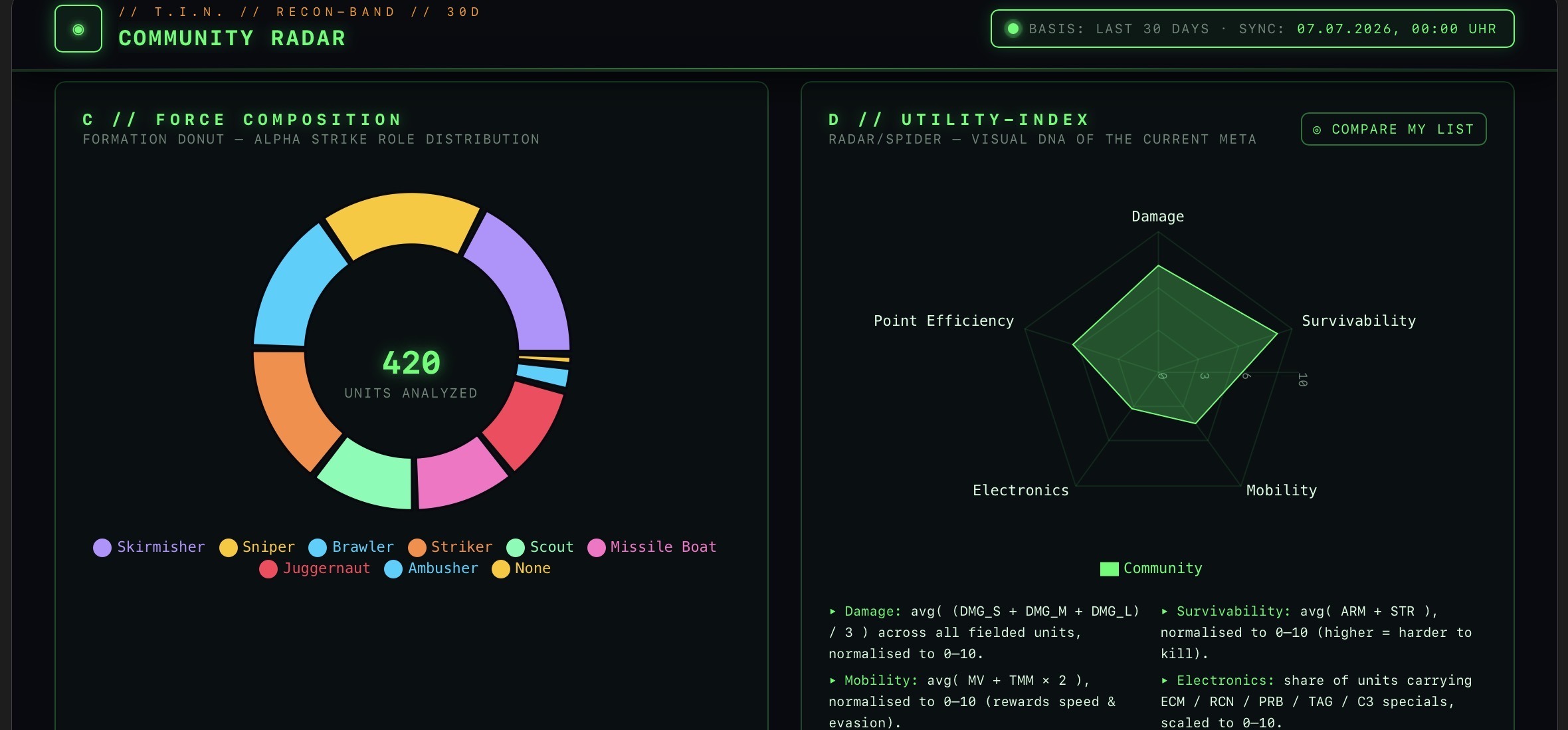
Time Travel for Your Troops: The New Force List History Updater for The Tactical Screen
A great Alpha-Strike battle is coming up, the score has been set, but a glance at the rules reveals the problem: The scenario is set in a completely different era or involves a different faction than your familiar standard list.
Until now, that meant opening the Master Unit List, manually filtering each unit, selecting the appropriate variants, recalculating the point values, and painstakingly rebuilding the formations from scratch. That’s over now! I’ve developed a new feature for The Tactical Screen that takes this repetitive work off our hands: the Force List History Updater.
In this post, I’ll show you step by step how the tool works and how you can transfer your existing Force Lists into new historical contexts with just a few clicks.
The Basic Principle: Intelligent Transformation Instead of Starting from Scratch
The basic principle behind the History Updater is incredibly simple: Why discard a well-coordinated, tactically balanced troop composition when you can simply adapt it to a historical setting?
Instead of retyping a Force List from scratch, you use your existing, working list as a template. The system duplicates your force, analyzes each individual unit, and matches them against the unit catalog for the newly selected era or faction.
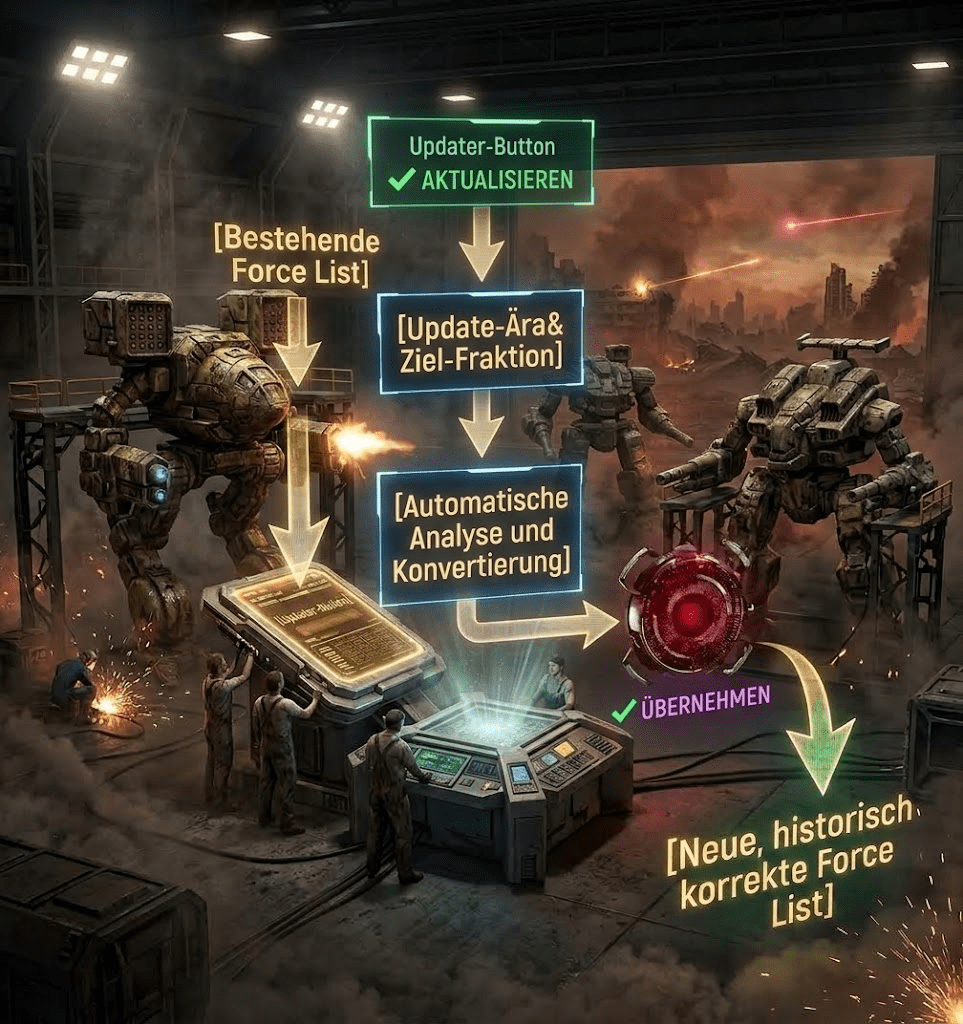
The original layout of your list remains untouched in the archive. A completely new, private copy is created, which you can edit immediately afterward.
The process in detail: How the Updater works
Getting started is incredibly easy: In the “My Force Lists” overview, you’ll now find a new “Copy” button next to the “Edit” button in every row. Clicking it opens the History Updater dialog.
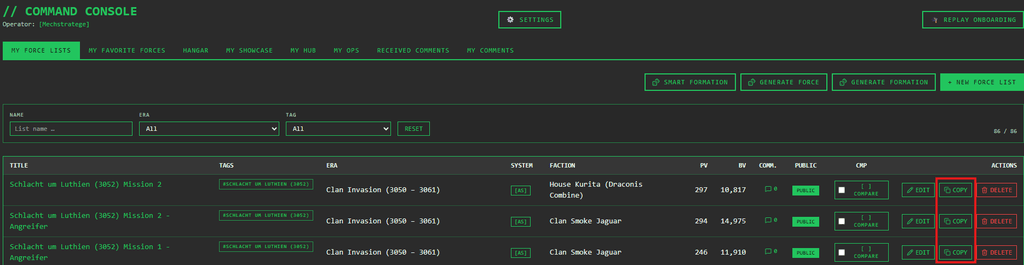
1. Set the target parameters
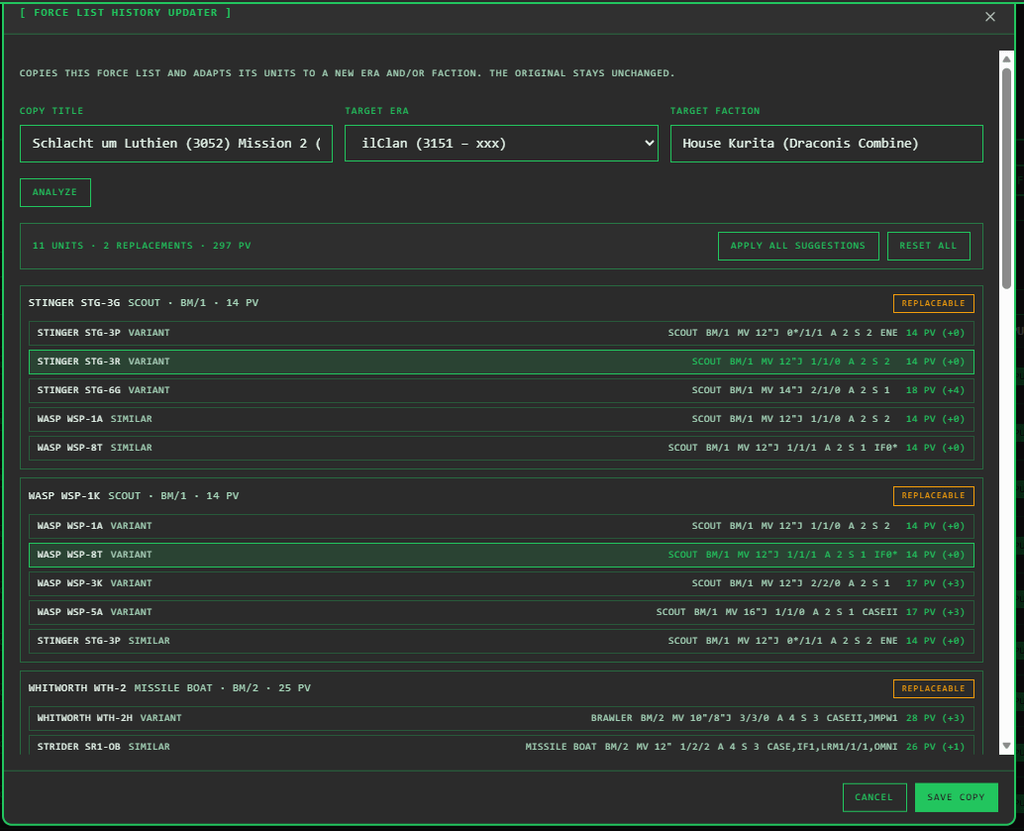
In the window that opens, enter a name for the new list (by default, the old title is appended with a suffix) and use the drop-down menus to select your target era and/or target faction. At least one of these variables must differ from the original for the analysis to begin.
2. Automatic Status Analysis
The system scans your units and immediately assigns them to one of three status conditions:
- Matches: The unit is still fully available within the new historical context. No action required.
- Replaceable: The unit does not exist in this form in the target framework—however, the system has identified suitable alternatives.
- No suggestion: No direct equivalent was found. The unit remains unchanged in the list for now and is marked with a clear note.
3. Visual Comparison & Smart Matching
For each unit classified as “Replaceable,” up to five criteria-based suggestions are displayed directly below it. To help you quickly get your bearings, the tool shows all relevant values at a glance:
- Role & Type/Size (e.g., Brawler, Size 3)
- Range of Motion & Mode
- Damage Values (Short / Medium / Long)
- Armor & Structure
- Special Abilities (e.g., IF, CASE, REAR)
- Point Value (PV), including the calculated PV difference from the original unit.
How does the algorithm prioritize the suggestions?
- Top priority: Other variants of the same chassis (e.g., switching from a Succession Wars variant of the Warhammer to a Clan Invasion variant with LosTech).
- Second priority: Similar alternative units that fulfill the same role (e.g., Striker), are the same size, and have a PV value as close as possible to the original.
4. Flexible Implementation & Control
You retain full control over your force-building process at all times:
- Selective Acceptance: One click selects a suggestion; another click deselects it (“Keep Original”).
- Bulk Actions: Using the header bar, you can click “Apply All Suggestions” to accept all recommendations at once, or click “Reset All” to return to the initial state.
- Real-time tracking: The header bar continuously updates your troop’s new total PV as well as the number of replacements selected.
5. Save and Finish
Clicking “Save” generates the new list. This process transfers all imported unit entries, tags, the selected game system, and the description. The era and faction are updated to the new target values, and the total HP/VP are recalculated.
Important Note on Formations & Networks: Since the validity of formation requirements or C3 networks may change due to unit reassignments, formations and C3 networks are initially left blank in the created copy. After saving, you’ll be redirected directly to editing the new list so you can finalize your lances or stars in the new context.
Benefits in Everyday Gaming: What Does This Feature Offer at the Gaming Table?
For me, the biggest benefit is the enormous amount of time saved when preparing themed events.
Whether it’s for a narrative campaign, historical scenarios like the Fourth Succession Wars, or tournaments with changing era requirements: Once you’ve built a force list whose synergies and speeds work perfectly for your playstyle, you don’t have to reinvent the wheel every time. The History Updater preserves the basic tactical framework of your force and seamlessly adapts it to the desired historical setting.
Conclusion
The Force List History Updater takes the tedious search work out of building lists in The Tactical Screen. The tool bridges the gap between your tried-and-true favorite units and the requirements of specific eras. For me, it’s an indispensable tool for smooth campaign and tournament management!
Transparency notice on the use of AI (in accordance with the EU AI Act):
The content of this blog is personally conceived, researched and defined by me. I use generative artificial intelligence to help me formulate and structure the texts.
Why? This enables me to prepare complex issues more precisely and to focus fully on the quality of the content and research. The final editorial control and responsibility for all published content lies solely with me.
Together for better content!
This blog is a project of the heart that can only continue to grow with your help. Every comment, every recommendation – and especially your financial support – secures the future of this platform.
Do you want this content to remain freely accessible?
This is how you can support the mission:
- NEWSLETTER REGISTRATION: Become part of the fast-growing community and never miss an update again!
- BECOME A PATREON MEMBER: Join the inner circle and get access to exclusive material and early releases.
- OTHER SUPPORT: Whether it’s a donation, sharing a post or recommending the blog to others – every form of support counts!
Let’s make this blog an even better place together!
Ich bin Sören Spieckermann, der Kopf hinter mechstrategen. Seit Jahren faszinieren mich taktische Tabletop-Schlachten und die strategische Tiefe von Mechs. Ob schnelle Gefechte in Halo: Flashpoint oder epische Schlachten bei BattleTech Alpha Strike – hier teile ich meine Erfahrungen und Taktiken mit dir. Mein Ziel? Sowohl Einsteigern den Start zu erleichtern als auch alten Hasen neue Impulse für das nächste Match zu geben.